Finance
Partial Payments and Debt Tracking in Tyre Shops
How to set up partial payment and debt tracking in a tyre workshop: mistakes, implementation steps, owner checklist, and CRM value.
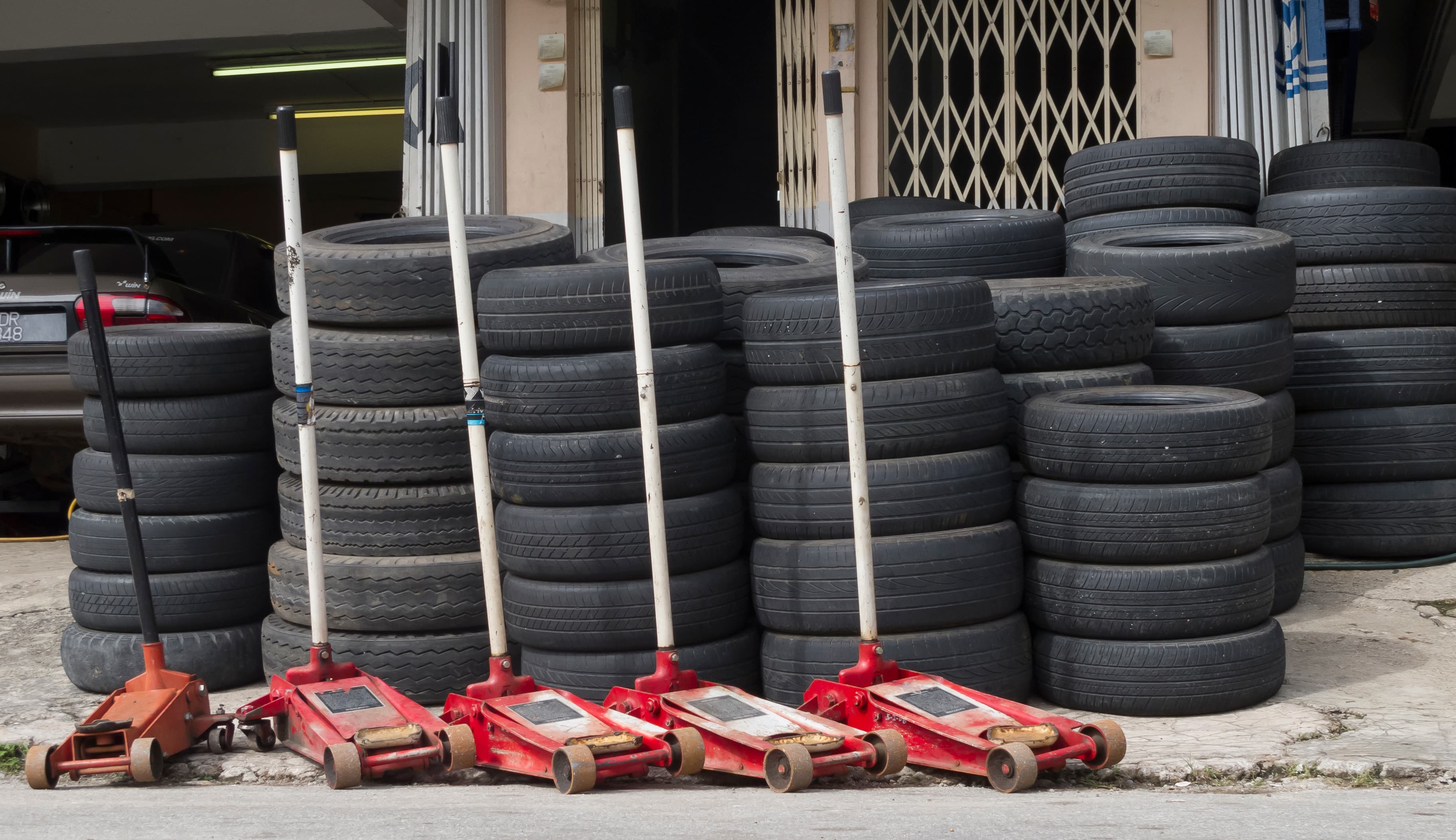
Automating partial payments and debt tracking: why start now
In a tyre workshop, partial payments often look harmless at first. A customer pays part of the bill, promises to transfer the rest later, and the front desk writes it down in a notebook or a spreadsheet. A few days later, that unpaid balance is buried between shifts, and the workshop loses control over cash flow.
That is exactly where a tyre workshop CRM helps. It ties the payment to a work order, keeps the customer’s balance inside the same record, and makes workshop analytics much easier to read. Modern auto-service platforms commonly combine customer data, work orders, payments, and reporting in one place, which turns debt tracking from manual guesswork into a manageable workflow. (timeweb.com)
Common mistakes with partial payments
- No single payment status. One receptionist writes “debt,” another writes “partial,” and a third leaves no note at all. The result is messy work order management.
- Payments are not linked to the order. Money came in, but nobody knows which job it belongs to.
- Debt is stored outside the customer record. That makes it hard to see the full payment history for the vehicle and the customer.
- No deadline for the remaining balance. Without a due date, a small unpaid amount becomes an endless follow-up task.
- No shift-level control. The technician finishes the job, the admin accepts payment, and the owner only notices the mismatch at the end of the day.
Important: a partial payment is not just “less money received.” It is a separate financial state that must be visible in reporting, customer history, and end-of-day reconciliation.
Where a workshop owner should begin
1. Define the payment scenarios you actually use
Start with the real situations in your shop: full prepayment, partial payment, payment after service, bank transfer with delayed settlement, or closing an old balance in a new visit. Do not try to automate everything at once.
2. Set clear statuses
Each work order should use a small set of states: “unpaid,” “partially paid,” “paid,” “balance carried over,” and “closed.” Fewer statuses mean fewer mistakes for the front desk and the technician.
3. Connect payments to the customer and vehicle
The customer profile should store not only contact details but also payment history, open balances, and completed work orders. That is essential for customer management and repeat visits: when the same customer returns, you can immediately see whether there was any outstanding balance.
4. Add a daily reconciliation routine
At the end of every shift, the admin should see three numbers: cash collected, card or transfer payments, and the amount of open partial payments. If the totals do not match, the issue is caught the same day instead of a week later.
If you want to see how this looks in practice, check the TyreCRM features page: it connects bookings, work orders, inventory, and analytics in one system. And if you are comparing options, the TyreCRM pricing page will help you estimate the rollout.
What the right process looks like
| Step | What the receptionist does | What the owner sees |
|---|---|---|
| Order creation | Selects the customer, vehicle, service, and amount | Work order is created and open |
| Partial payment | Enters the amount and payment method | Order status changes to “partially paid” |
| Reminder | Sets the due date for the remaining balance | Automatic reminder goes to the customer or the admin |
| Closure | Records the remaining payment | Order is closed and balance is zero |
Owner tip
Do not start with a perfect automation project. Start with one simple rule: no work order is considered finished until the payment status is filled in. Even in a small shop, that alone improves discipline and removes gray areas in cash handling.
Implementation checklist
- List all payment scenarios used in the shop.
- Agree on one set of statuses for orders and balances.
- Make the partial payment amount a required field.
- Attach each debt to the customer, vehicle, and work order.
- Add a promised payment date.
- Run a shift-by-shift reconciliation.
- Make sure workshop analytics shows open balances clearly.
- Train all reception staff on one standard workflow.
FAQ
What tool is best for debt tracking?
For a single location, spreadsheets may work for a while, but they become weak as volume grows. A tyre workshop CRM is more reliable because the data is tied to the customer, work order, and payment flow.
Should partial payments be stored separately from full payments?
Yes. Otherwise, you will not see the real outstanding balance.
What should we do with regular customers who owe money?
Use a rule: a balance can be carried over only when the return date and responsible staff member are confirmed.
How do we know the automation is working?
Track three indicators: the share of open balances, the speed of debt closure, and the number of manual corrections at the end of the day.
Can we start without complex integrations?
Yes. Begin with unified statuses, customer records, and daily reconciliation. That already creates order, even if you roll out the system in phases.
If you want to remove the chaos from partial payments, debts, and end-of-day reconciliation, TyreCRM can help your team build a clear process with less manual work.