Team
Automating payouts, advances and bonuses in tyre shops
Where to start automating payouts, advances and bonuses in a tyre workshop: rules, roles, common mistakes, and an owner’s checklist.
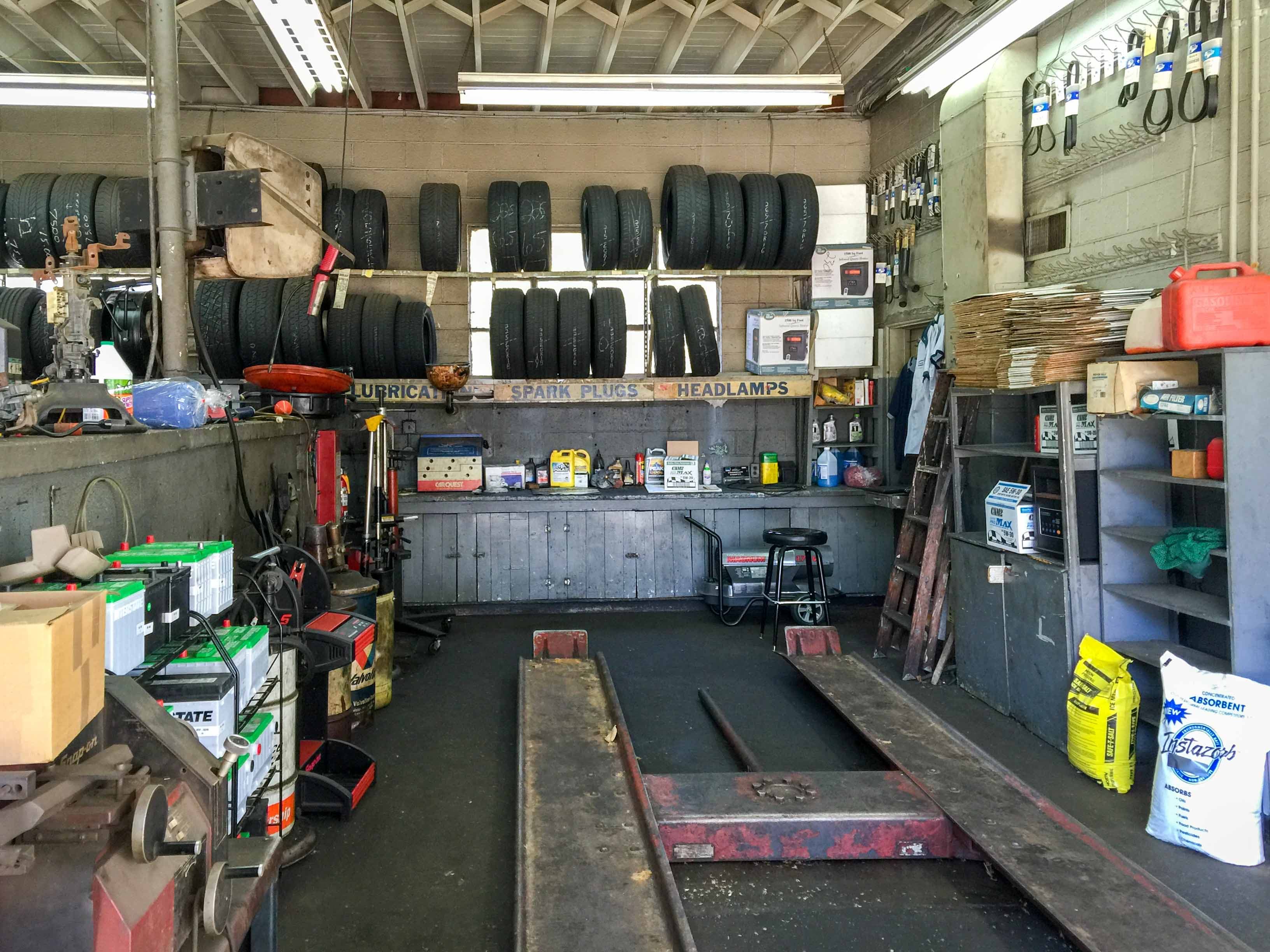
Automating payouts, advances and bonuses: where to start
For many tyre workshop owners, payroll feels like an accounting task. In reality, it is one of the most sensitive operational processes in the business. Manual advances, ad hoc bonuses, inconsistent rules across shifts, and delayed payouts quickly create confusion, disputes, and hidden losses.
If you already use a tyre workshop CRM, the next step is to connect work order management, shift tracking, bonuses, and payouts in one workflow. This is not about adding another spreadsheet. It is about creating a repeatable process that can scale across one site or several locations.
What to automate first
Do not try to automate everything at once. Start with three core blocks:
- Advances — fixed amounts or a percentage of expected earnings.
- Bonuses — extra pay for output, quality, upsells, punctuality, and zero rework.
- Final payroll — the monthly calculation based on shifts, completed jobs, coefficients, deductions, and add-ons.
If these three parts are calculated in separate spreadsheets, chat messages, and memory, automation will not solve the problem. You need one clear policy first.
How an owner should begin: step by step
1. Define the payout rules
Write a simple policy that explains what employees get paid for and when. For example: advances are paid twice a month; bonuses are only earned on closed work orders; quality bonuses are paid after a no-complaint check.
Owner’s tip: start with the rules, not the numbers. When the rules are clear, you can adjust amounts later without turning every payout into a debate.
2. Tie payouts to system events
A bonus should be based on data, not on memory. The best source is usually the same one that powers the rest of the operation: work orders, shifts, customer bookings, payment status, inventory write-offs, and job completion. The fewer manual entries you need, the fewer disputes you will have.
If you are still comparing software options, it helps to review TyreCRM features, because that is where bookings, warehouse data, staff work, and reporting can be connected in one place.
3. Separate responsibilities
One common mistake is to treat every employee the same. In practice, the front desk, technicians, and owner have different responsibilities and different performance metrics. The front desk handles bookings and customer communication, technicians handle the work itself, and the owner focuses on profitability and control.
4. Keep the formula short
The calculation should be easy to explain and easy to verify. A practical setup might be: base pay per shift + percentage of completed work + bonus for meeting targets + extra pay for reviews and quality. The longer and more complicated the formula, the less trust it creates.
5. Add analytics
Without numbers, you cannot see where money is leaking. You need workshop analytics: revenue by shift, average ticket, bay utilization, number of closed work orders, and payroll totals by employee. That makes it obvious who brings in profit and where labour costs are too high.
Common mistakes when automating payroll
- Starting with control instead of rules. Staff will read that as distrust.
- Using multiple data sources. A spreadsheet, a chat thread, and a notebook will always disagree.
- Ignoring advances. They are a major source of cash flow pressure.
- Rewarding everything. Too many bonuses make bonuses meaningless.
- Forgetting about rework and complaints. Otherwise you pay twice for the same mistake.
- Not linking payroll to work orders. If there is no work-order basis, the calculation is hard to audit.
Important: payroll automation should reduce friction for the team, not create a new layer of complexity. If employees cannot understand how their earnings are calculated, they will not trust the system.
What the process should look like inside the CRM
The ideal workflow is simple: customer booked → job completed → work order closed → data flows into payroll → advance/bonus/payroll calculated automatically → owner approves the payout. That structure cuts manual work and reduces errors between shifts.
It also helps to see payroll alongside capacity. A useful next read is visualizing bay load by day and shift, because labour cost only makes sense when you compare it with workload and revenue.
If you already have a payroll policy draft, compare it with a more structured approach like the SOP for payroll accruals and then add advances and bonuses as the next layer.
Launch checklist
- Approve the rules for advances, bonuses, and deductions.
- Define which fields are mandatory in a work order.
- Set user roles: who can view, edit, and approve payroll data.
- Choose one source of truth for calculations.
- Run a test calculation on one or two employees.
- Compare the result against the previous month’s real payouts.
- Explain the logic to the team in a short meeting.
- Review the rules monthly, not every day.
For multi-location operations, consistency matters even more. The same booking, job closure, payout, and reporting logic should work at every site. That is where a single system is far more useful than disconnected tools.
FAQ
Can I automate payouts without a full CRM?
Yes, but only as a temporary stage. You can start with templates and spreadsheets, but manual work quickly becomes fragile. For a growing business, it is better to connect payroll with a CRM and work orders.
Should I automate advances or bonuses first?
Usually advances come first, because they recur regularly and affect cash planning. Bonuses can be added after the base workflow is stable.
Do I need a separate deduction policy?
Yes. Any deduction must be documented in advance: reason, timing, who approves it, and how an employee can appeal.
How do I reduce payroll disputes?
Show the formula in advance and give staff access to a clear report covering shifts, work orders, and earnings.
What if a technician works across multiple bays or locations?
You need a centralized system. Otherwise you cannot reliably track where the value was created or who is responsible for the result.
If you want to remove manual spreadsheets, connect work order management with payouts, and track real staff payroll without disputes, TyreCRM can bring that workflow into one place. See how TyreCRM for tyre workshops helps owners save time and keep control.